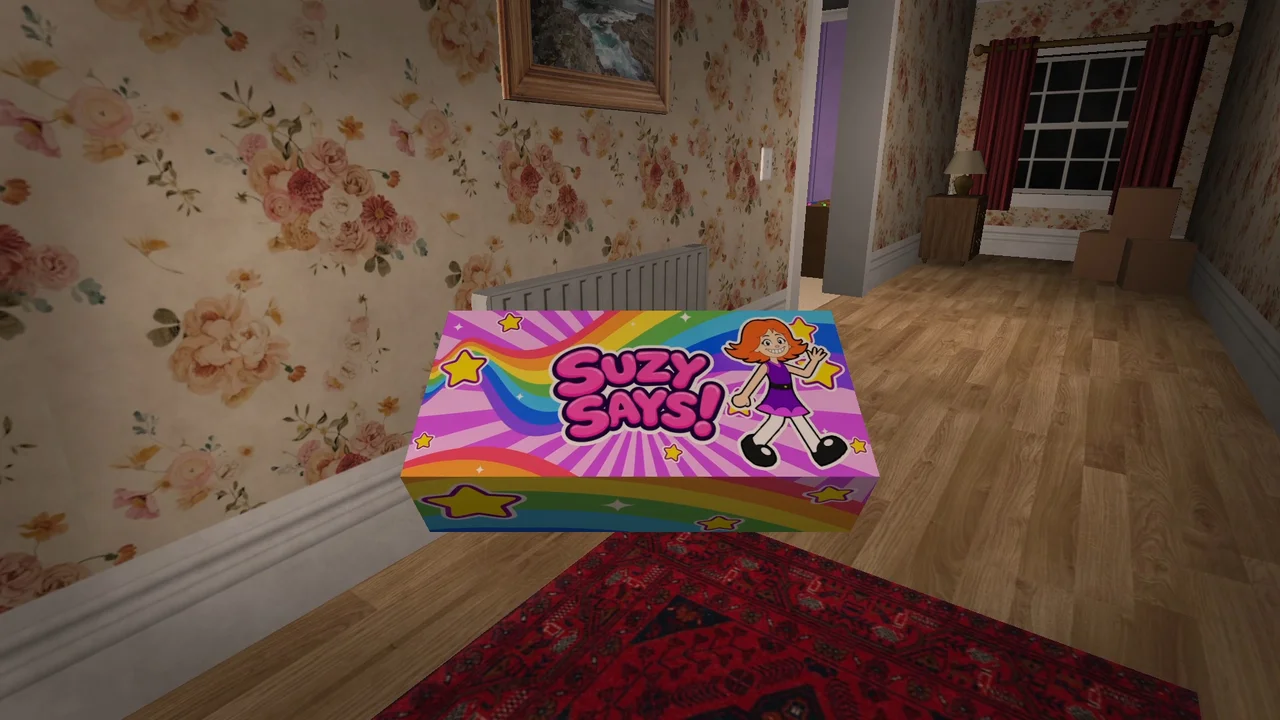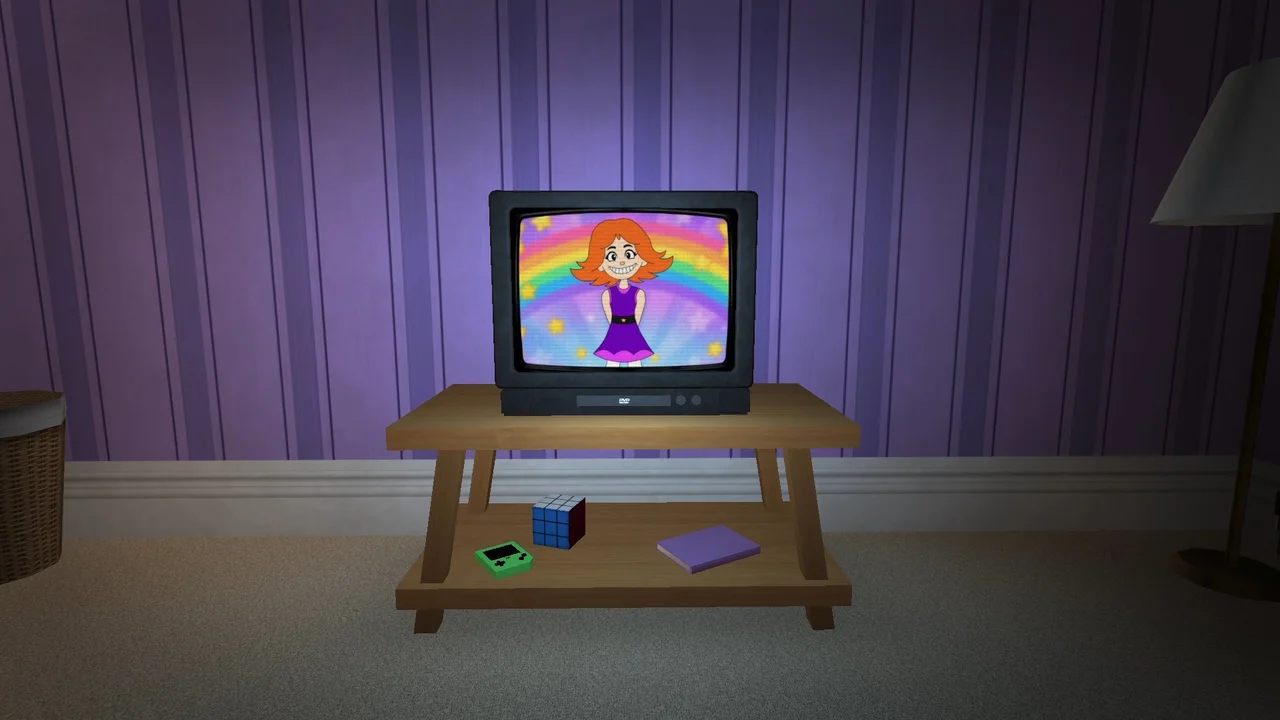
Check the action before changing the installation
- Read the opening words: did Suzy include the prefix during the command round?
- Wait for the complete instruction before beginning the action.
- Confirm the target: named pad, actual object, piece of furniture or camera direction.
- Use the object prompt and watch for the result before leaving.
- Check the current objective after any death, replay or scene transition.
Change one thing at a time. If you alter the controls, restart and move to a different spot together, you cannot tell which change affected the result.
Match the symptom
| Symptom | A useful first check |
|---|---|
| Jump on bed or couch fails | Confirm that you land on the named furniture rather than jumping beside it. |
| Painting or duck task does not advance | Approach the named object and use its interaction prompt. |
| Look command seems wrong | Wait for the full line and distinguish a prefixed command from a trap. |
| Unexpected late-game objective after replay | Record the current objective and the previous ending or restart path. |
| Black screen after the phone call | Record when the screen changed and whether sound or controls still respond. |
| Missing Full features | Check which extracted ZIP and executable you launched. |
If the same step still fails after these checks, note the exact objective and your game version before reporting the issue.
What the developer has actually patched
The November 8 launch devlog says an incorrect subtitle toward the end was corrected. If you downloaded before that update, obtain the current file from the same official page and extract it into a separate folder.
The November 13 update expanded subtitle languages. Neither note is a blanket statement that every input, replay or black-screen report is resolved.
Write a useful bug report
- Standard or Full edition, and when you downloaded it.
- The exact command or objective visible before the problem.
- The room, object and action you used.
- Whether the issue repeats after a normal relaunch.
- A short clip or screenshot if it clearly shows the problem.
Use the developer’s itch.io comments for game problems. You can send corrections about this guide to our contact address. Keep purchase details and private account information out of public comments.
Protect your progress
Try a normal close and relaunch before reinstalling or deleting any data. A fresh download in a separate folder lets you compare builds without overwriting the old folder. Do not assume an internet suggestion to delete saves is necessary or harmless.
There is no developer-published universal fix for the reported post-phone black screen in the linked patch notes. If it persists, include the last visible objective and whether audio continues in your report.